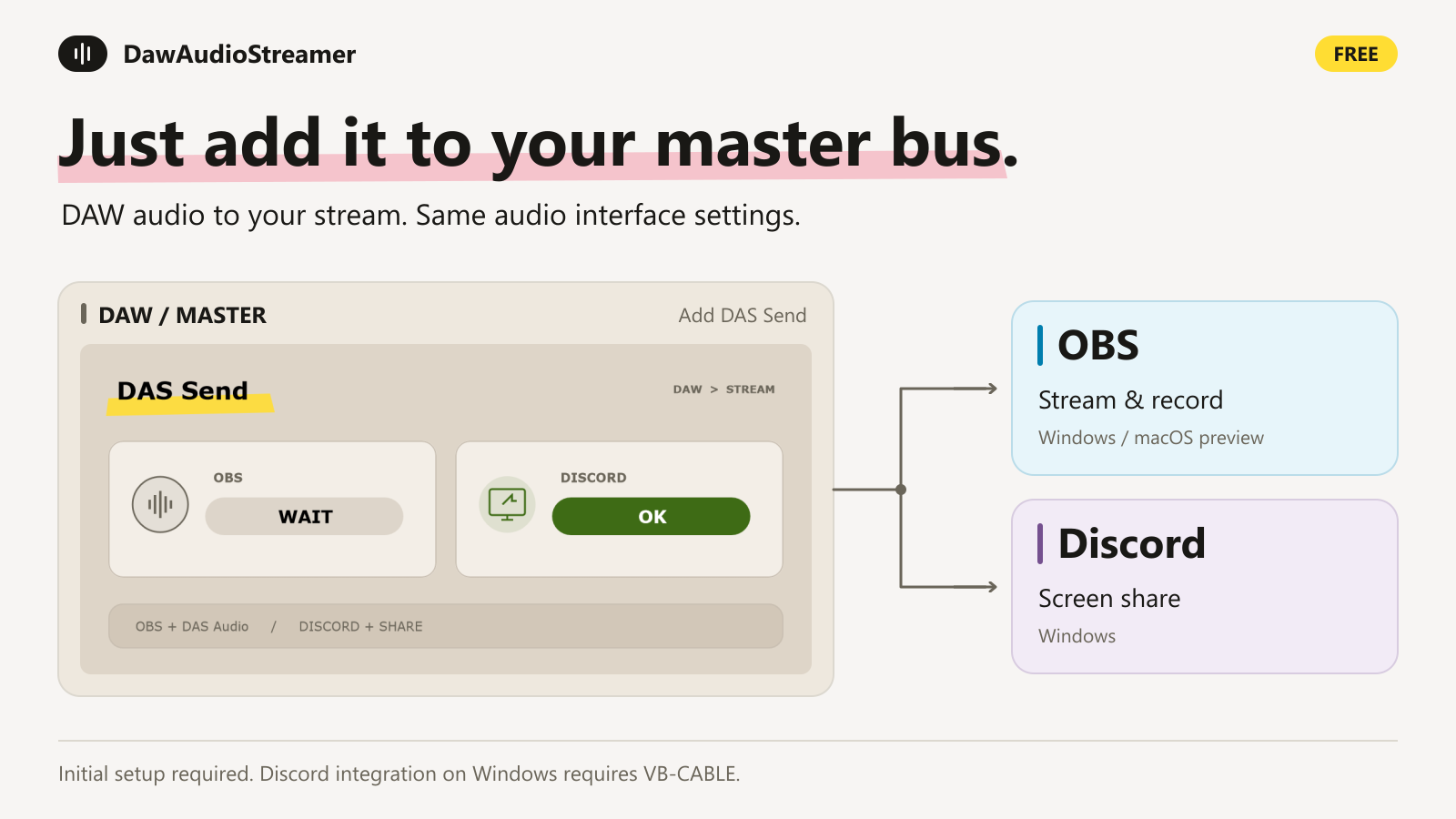
A streaming plugin that sends your DAW's master audio to OBS or Discord while keeping your usual audio settings.
What it does
- Put one “DAS Send” on your DAW’s master bus, and its audio goes to the “DAS Audio (DAW)” source in OBS. Your ASIO settings stay as they are.
- On Windows, it can also carry your DAW’s audio into Discord screen sharing (VB-CABLE required).
- It does not change the audio or the level going back to your DAW.
Best for
- Streaming or recording your DAW work in OBS, or letting people hear it over Discord screen sharing. It can stay on the session while you work.
Specifications
- Output to the DAW: unchanged (the input is returned as is)
- Streaming path: 32-bit float, 48 kHz, stereo; no sample-rate conversion when the DAW runs at 48 kHz
- Sample-rate conversion: r8brain-free-src (linear phase, 180 dB stopband attenuation, 3.5% transition band)
- To OBS: 10 ms blocks; anything beyond 100 ms of backlog is discarded so latency cannot keep growing
- To Discord: WASAPI shared mode into VB-CABLE, 40 ms target buffer, ±0.3% variable ratio to absorb clock drift
- Platforms: Windows 11, 64-bit (VST3); macOS 13 or later, Intel / Apple Silicon (AU / VST3, preview)
- Tested DAWs: Fender Studio Pro 8, REAPER, Cubase, Ableton Live 12
- Availability: free and open source
 GGKeeperBalancing…
